 See it liveWatch SpotX update every screen in seconds
 SolutionsDigital signage for every industry
 Free trialTry SpotX on your own screens
SpotXUse case · Wayfinding screens
Wayfinding screens that guide every visitor
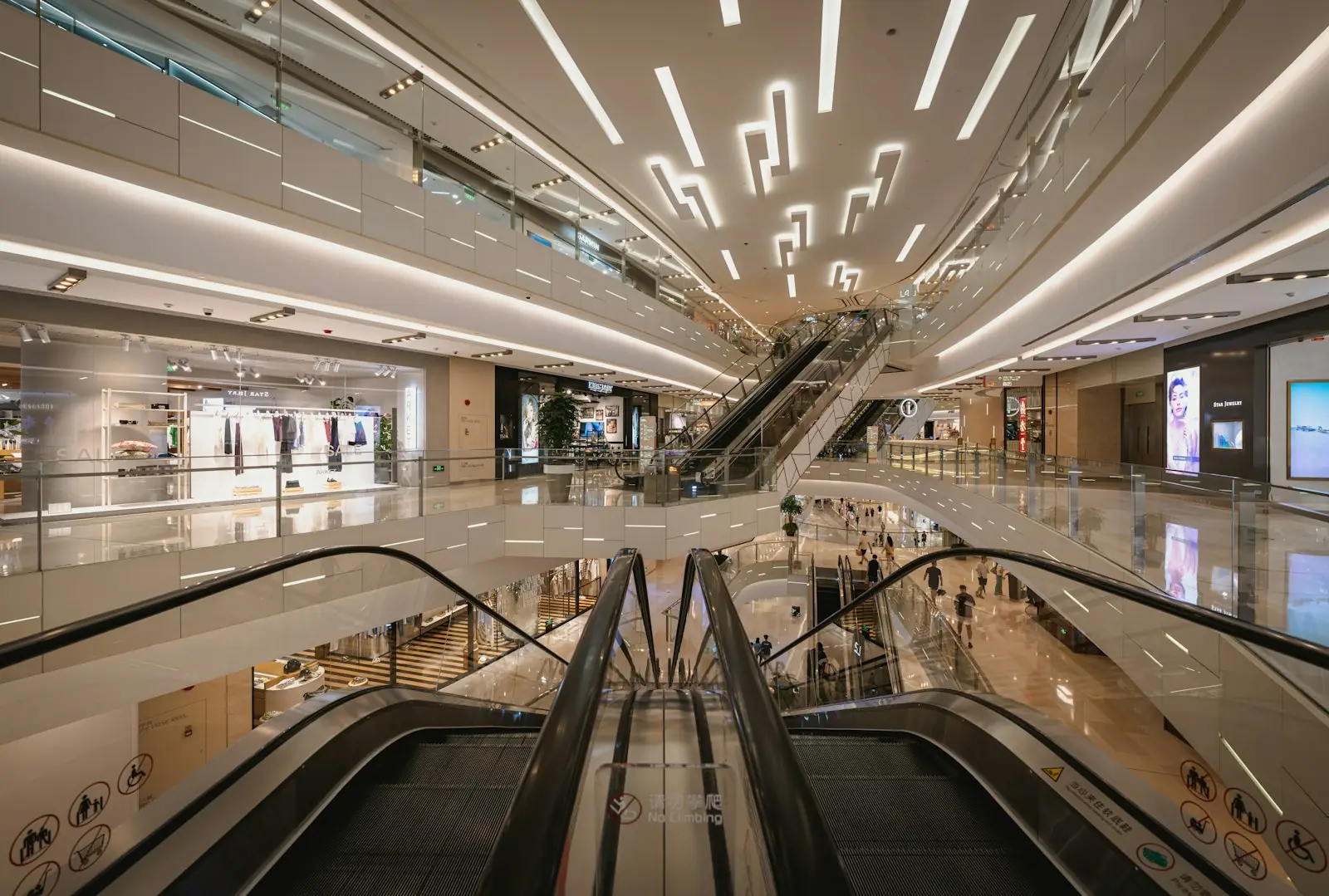
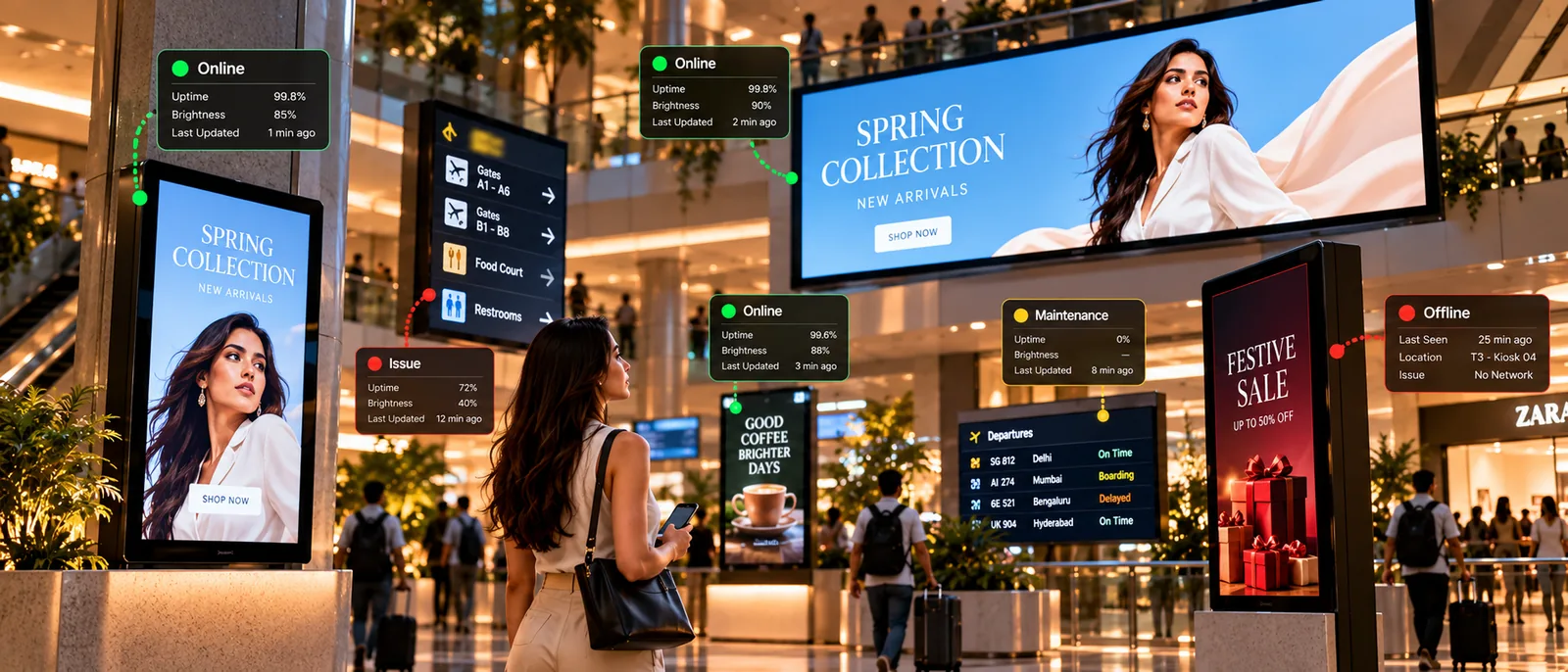
Directories and directional screens for malls, offices, hotels and transit spaces, always up to date.
01The challenge
What gets in the way
01
Outdated directories
Tenants and rooms change; printed maps don’t.
02
Lost visitors
Poor signage creates queues at the help desk.
03
Many screens, many floors
Keeping every directory consistent is hard.
02How SpotX helps
How SpotX helps
Directories
Always-current directories
Update tenant and room listings once and publish to every directory screen.
- Floor directories
- Tenant listings
- Instant updates
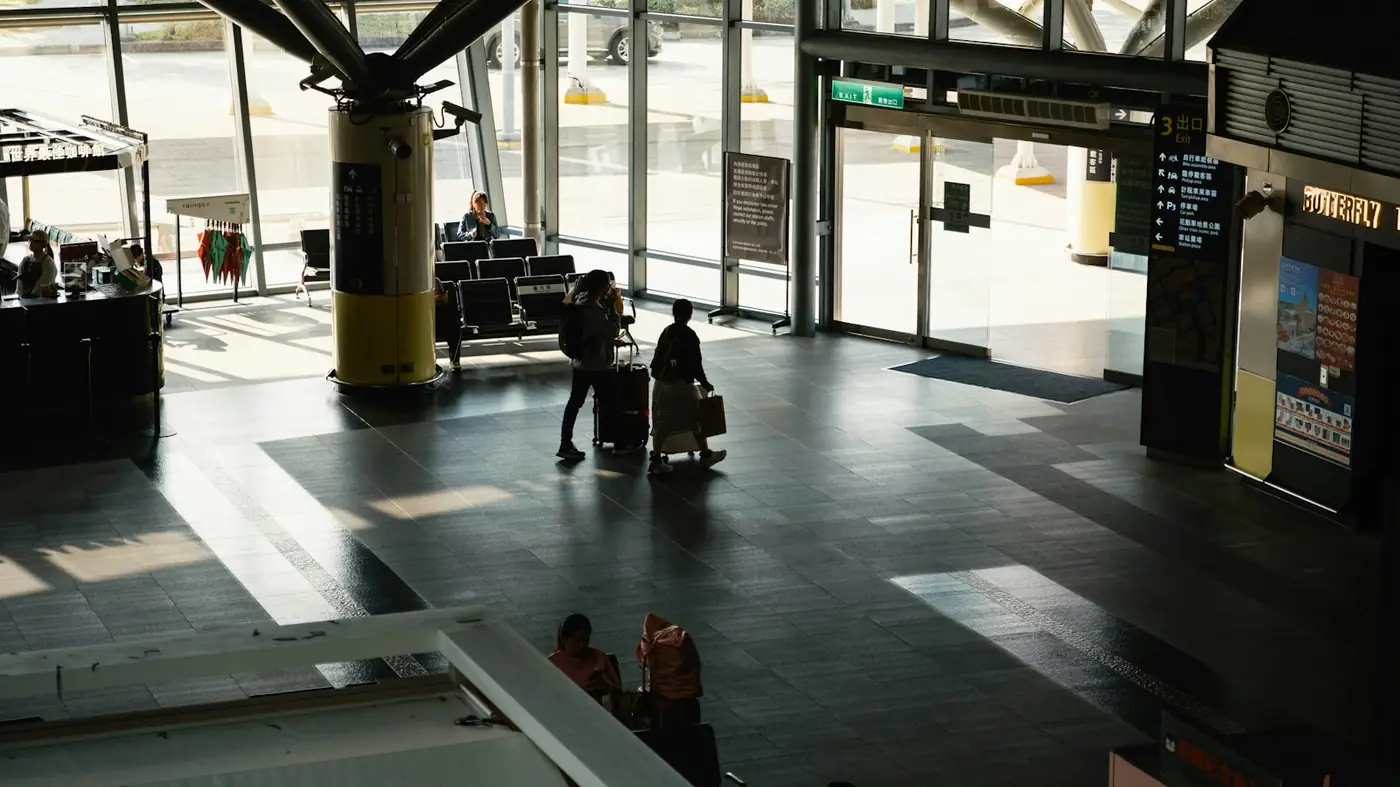
DeparturesGates 1–12 →
LoungeLevel 2
Directions
Clear directions at every turn
Show directional content tailored to each screen’s location.
- Per-screen directions
- Event signage
- Accessibility info
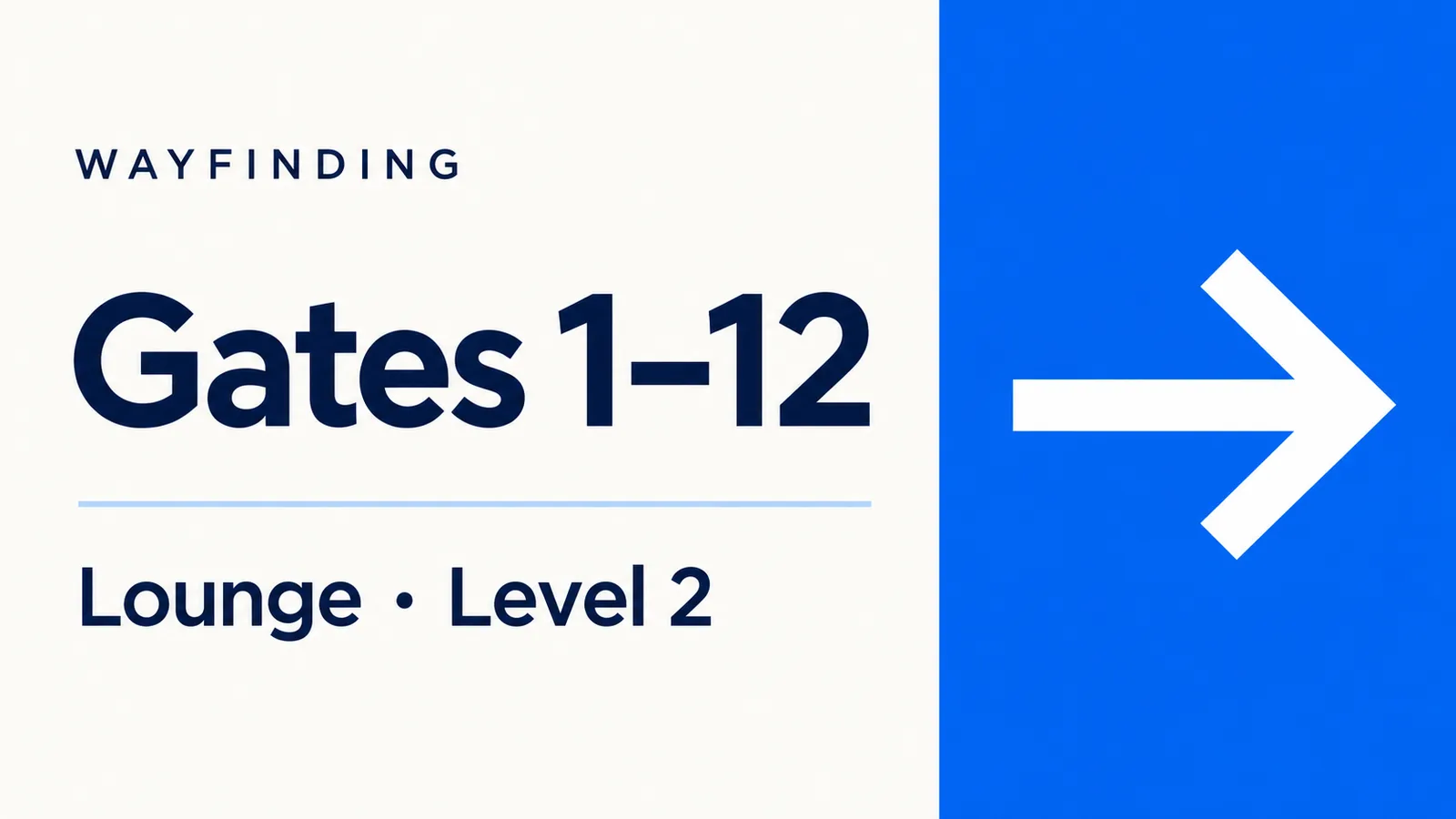
Kiosks
Self-service guidance
Portrait kiosks at entrances and lifts. Touch journeys are on the roadmap.
- Portrait layouts
- QR codes to maps
- Touch (roadmap)
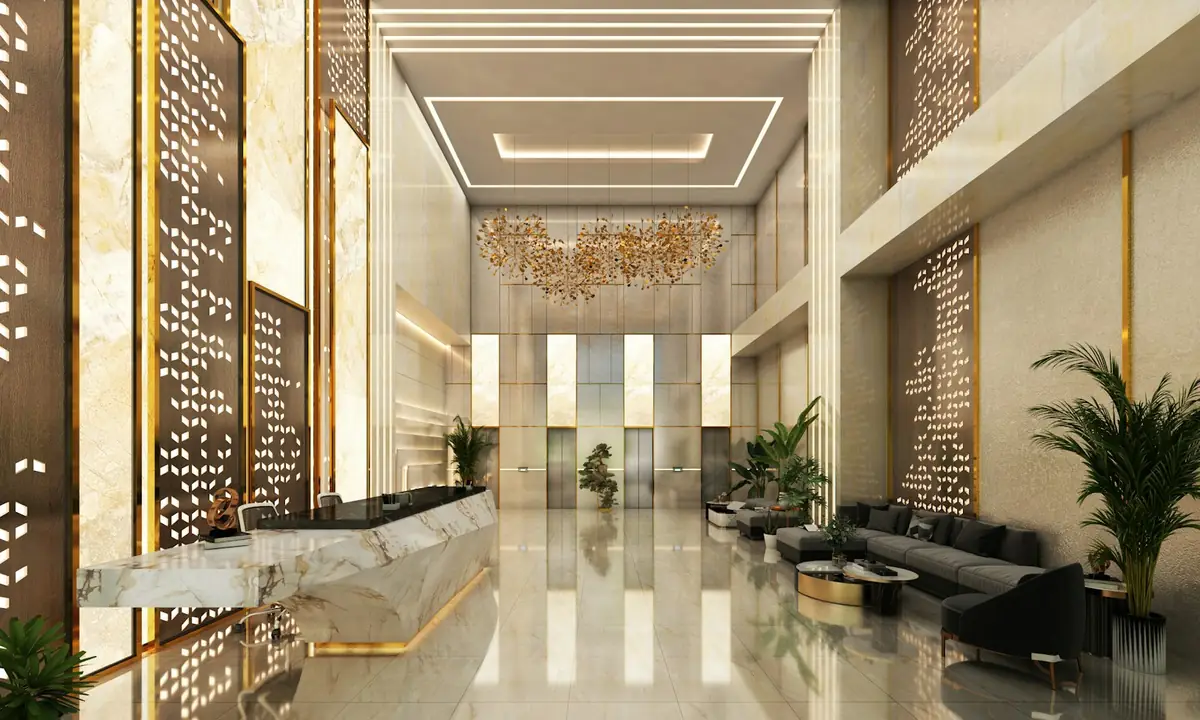
Explore the hotelTouch to start
Can each screen show directions from its own location?
Yes. Assign location-specific content to each screen or group.
Do you support interactive maps?
Yes. Interactive wayfinding with digital directories helps visitors find shops, gates, rooms and services.
See SpotX for Wayfinding screens.
Start a free trial on your own screens, or book a demo tailored to your business.