 See it liveWatch SpotX update every screen in seconds
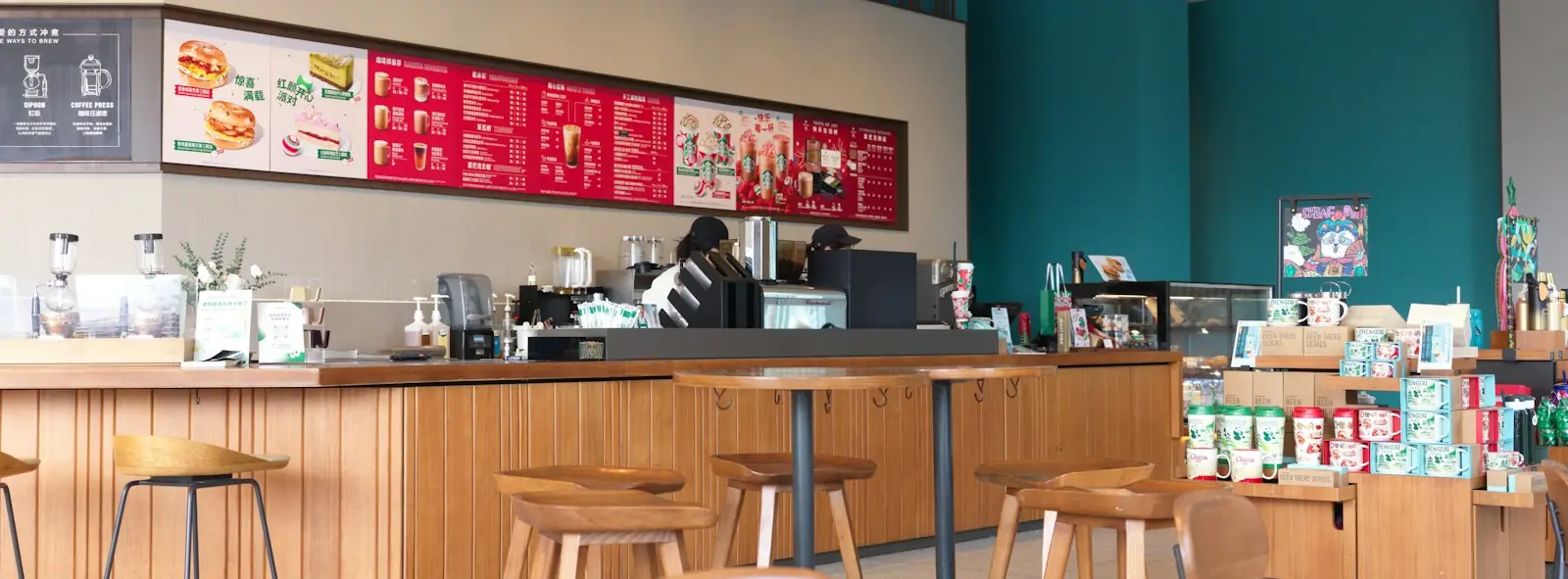 SolutionsDigital signage for every industry
 Free trialTry SpotX on your own screens
- Home
- Platform overview
How SpotX works
SpotX connects a cloud dashboard to players on every screen. You manage content in one place; every screen updates on its own.
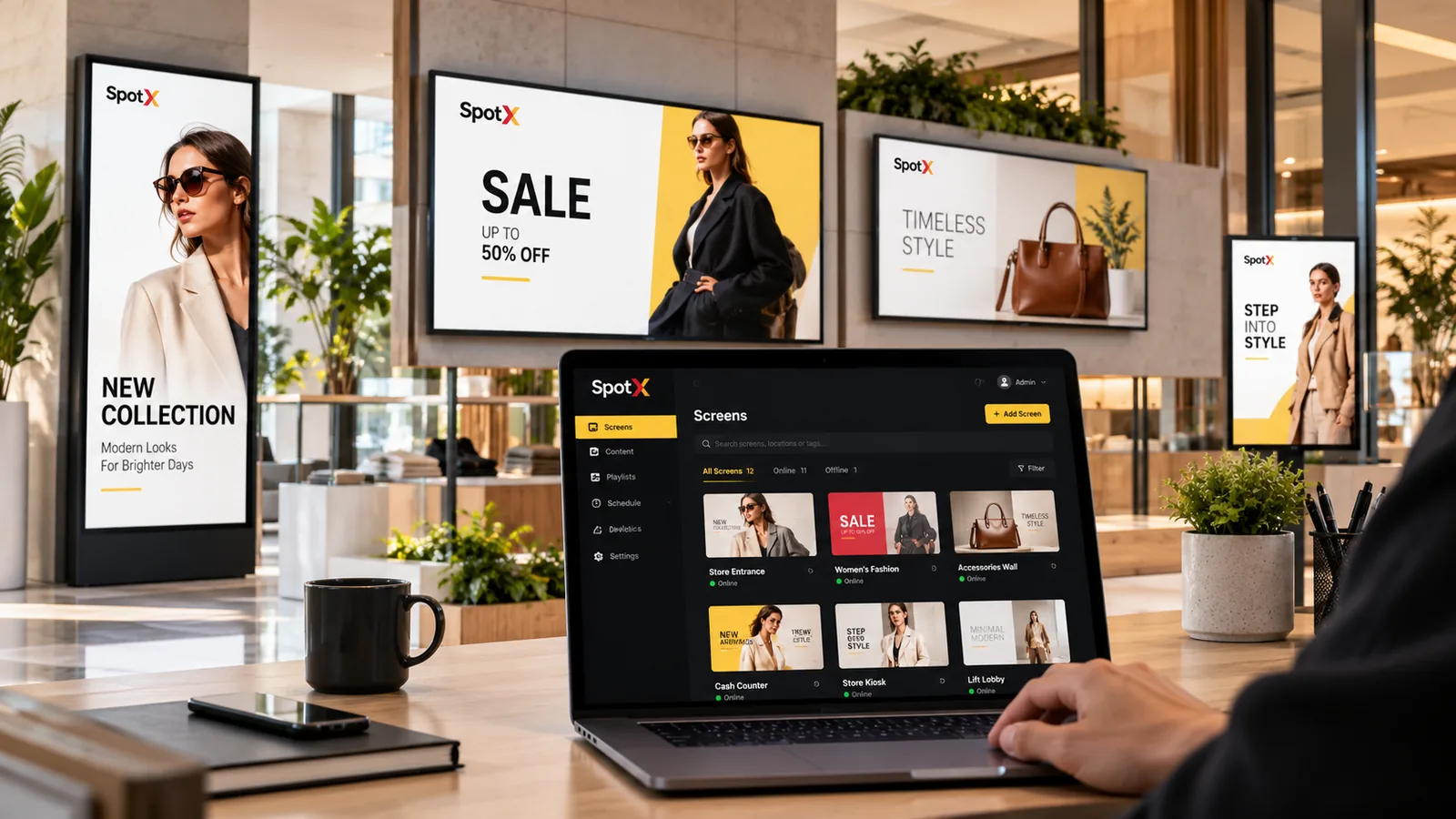
01Architecture
One console. Every screen.
Three layers that work together, so you never have to visit a screen to change it.
SpotX Console
Upload content, build layouts, schedule campaigns and monitor every screen from your browser.
- Media library
- Templates
- Scheduling
- Reports
- AI
SpotX Player & apps
Each screen runs a player that downloads content and reports status back to the console.
- SpotX Player
- Android
- Samsung Tizen
- LG webOS
Every location
Menu boards, video walls, kiosks, office TVs and billboards, all updated from one place.
- Stores
- Restaurants
- Offices
- Malls
- Street
02Step by step
From unboxing to on-air
Connect your screens
Plug the SpotX Player into a screen’s HDMI port, or install the SpotX app on an Android device, Samsung Tizen or LG webOS display. Pair it with your account and it appears in your dashboard.
- Pair in minutes
- Name, group and place each screen
- Works with screens you already own
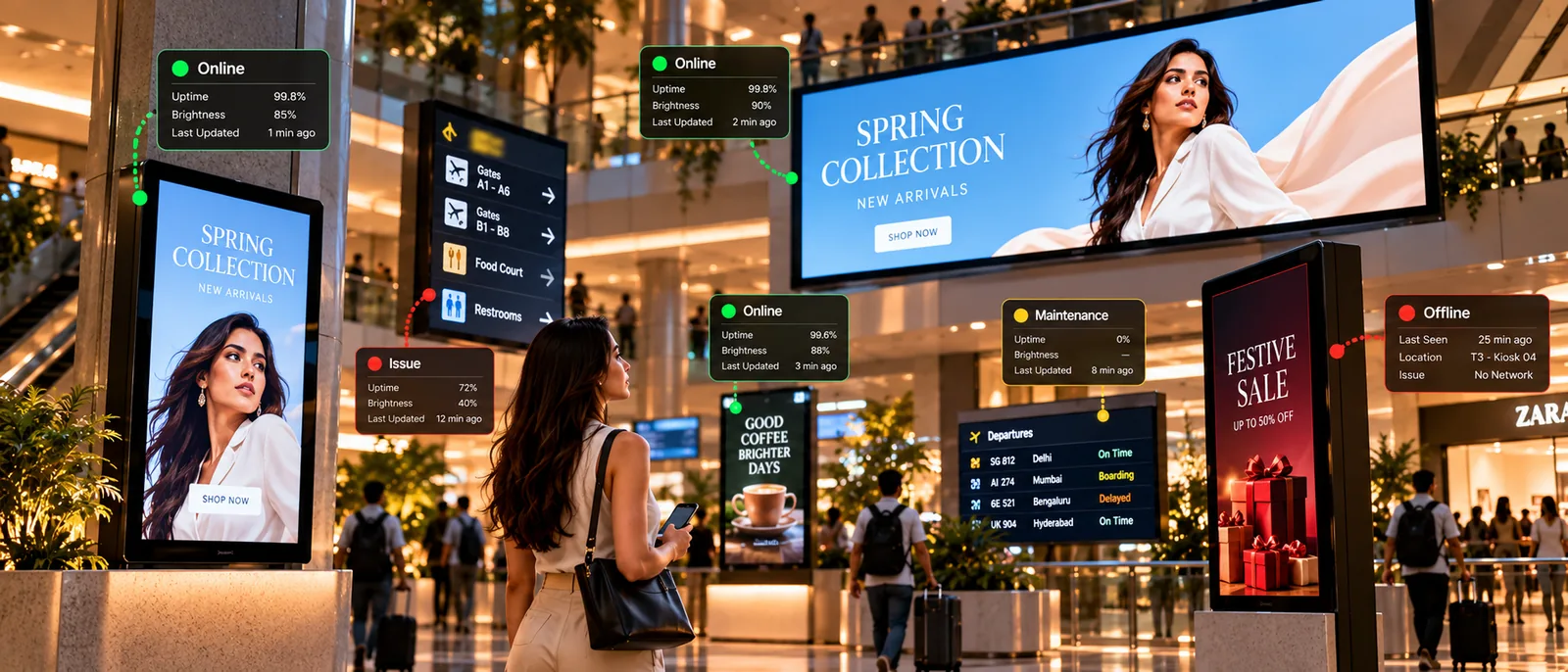
Create and schedule content
Pick a template or upload images, video, PowerPoint, Excel and PDF files. Build playlists and layouts, then choose when and where each one plays.
- Templates for every industry
- Multi-zone layouts
- Dayparts and priorities

Publish, monitor and improve
Push changes to one screen or every location. Watch status, check playback reports and let AI suggest what to improve.
- Instant remote publishing
- Live screen status
- Proof-of-play reports

03Capabilities
Everything in one platform
Screen management
Register, group and control every display.
Learn moreContent & templates
Layouts and templates for any screen.
Learn moreScheduling
Dayparts, priorities and campaigns.
Learn moreApps & files
PowerPoint, Excel, PDF, video and live data.
Learn moreMonitoring
Live status for every screen.
Learn moreProof-of-play
Reports on what played, where and when.
Learn moreTeams & roles
Give each team the right access.
Learn moreSpotX Intelligence
AI to create, schedule and optimise.
Learn moreDo I need to install software on my computer?
No. The SpotX dashboard runs in your web browser. Only the screens need a player: the SpotX Player or the SpotX app on a supported device.
How do screens get updated?
Players connect to SpotX over the internet, download new content and schedules, and report their status back to your dashboard.
Can I manage several locations?
Yes. Group screens by location, region or purpose and publish to any combination of them.
What happens if a screen loses its connection?
Screens keep playing. Playlists and loops carry on as scheduled, and analytics are stored on the device until it reconnects. While a screen is offline you can’t change it from the dashboard, and live widgets that need the internet pause.
Your screens can do more.
Start a free trial on your own screens, or book a live demo with our team.