1. Home
  2. Features
SpotXFeatures

Every feature your screens need

From a single menu board to a nationwide network: manage, create, schedule, monitor and prove, all in SpotX.

Screen management

Every display, accounted for

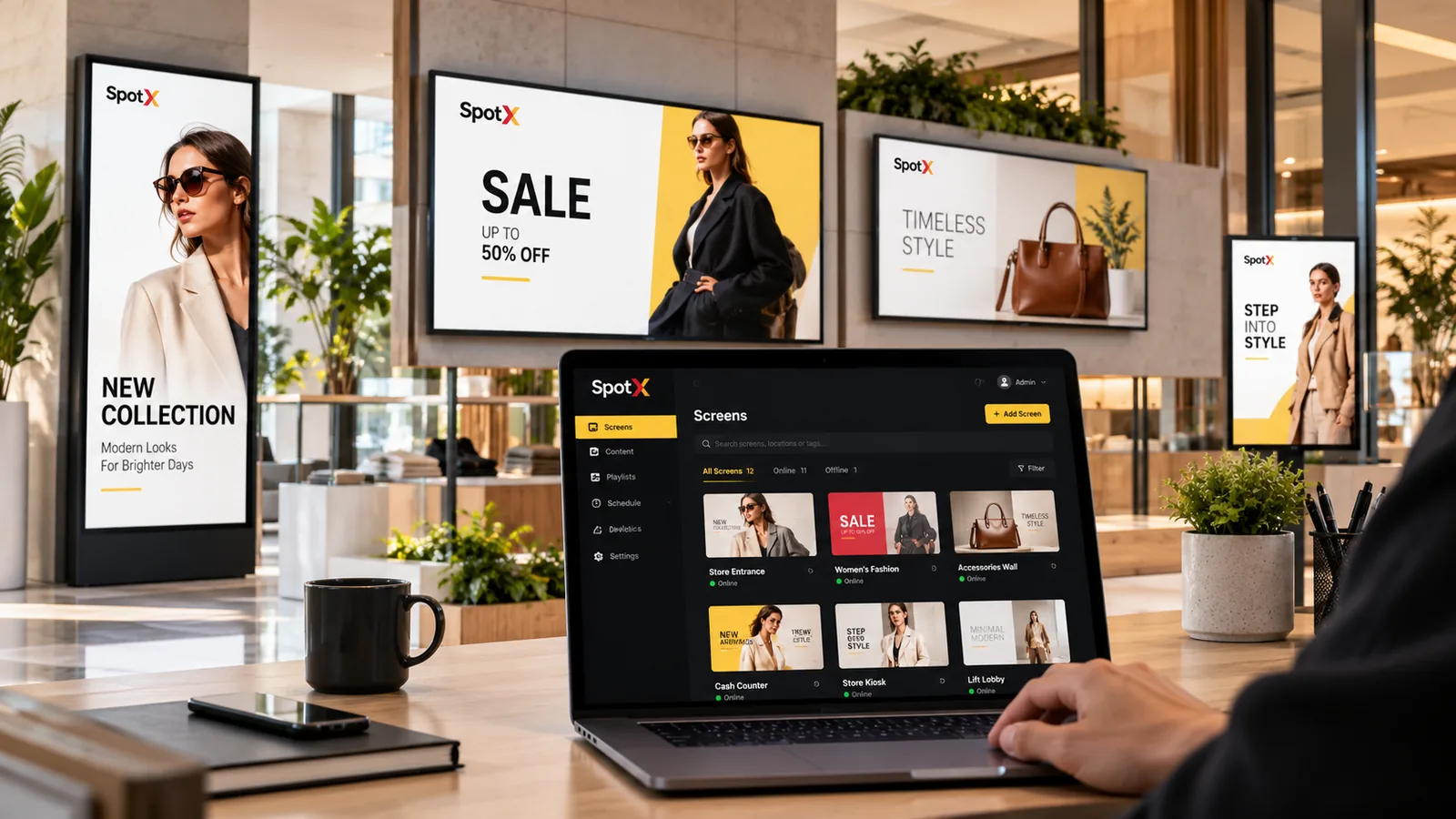
Register screens, give them clear names and organise them the way your business is organised. See each screen’s status and what it is playing.

  • Groups by location, zone or purpose
  • Live online / offline status
  • Assign content to a screen, group or location
  • Remote management from anywhere
SpotX screens dashboard on a laptop managing fashion store displays
Content & templates

Screen-ready content in minutes

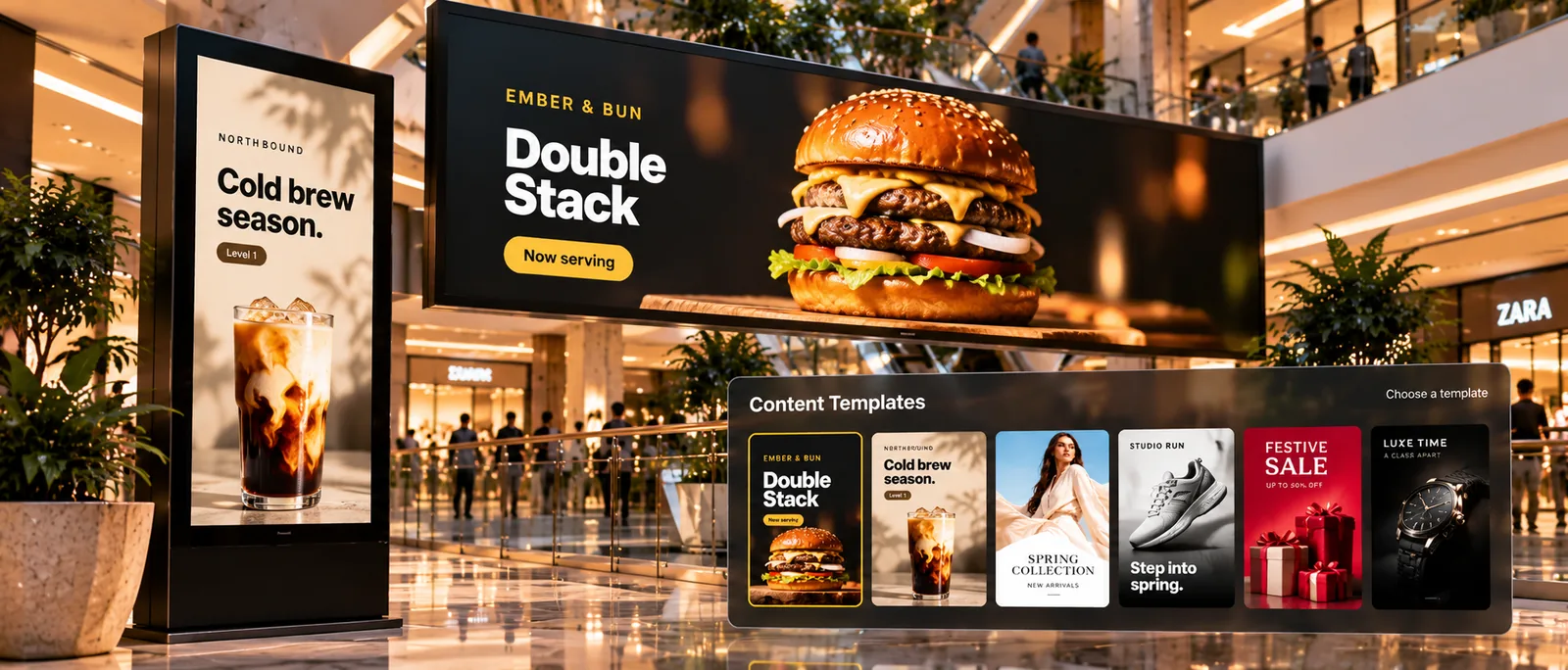
Start from ready-made templates or design multi-zone layouts for landscape and portrait screens. Keep logos, colours and fonts on brand.

  • Template library
  • Multi-zone layouts
  • Images, video, PowerPoint, Excel, PDF
  • Portrait and landscape
Browse templates
SpotX content templates shown over mall screens running a burger and cold brew promotion
Scheduling & campaigns

The right message, at the right time

Schedule playlists by date, day and time. Use dayparts for menus and priorities for campaigns, so takeovers win and default loops fill the gaps.

  • Dayparting
  • Campaign priorities
  • Start and end dates
  • Publish to any group of screens
SpotX content schedule on a laptop with the festive sale live on mall screens
Apps & files

Use the files you already have

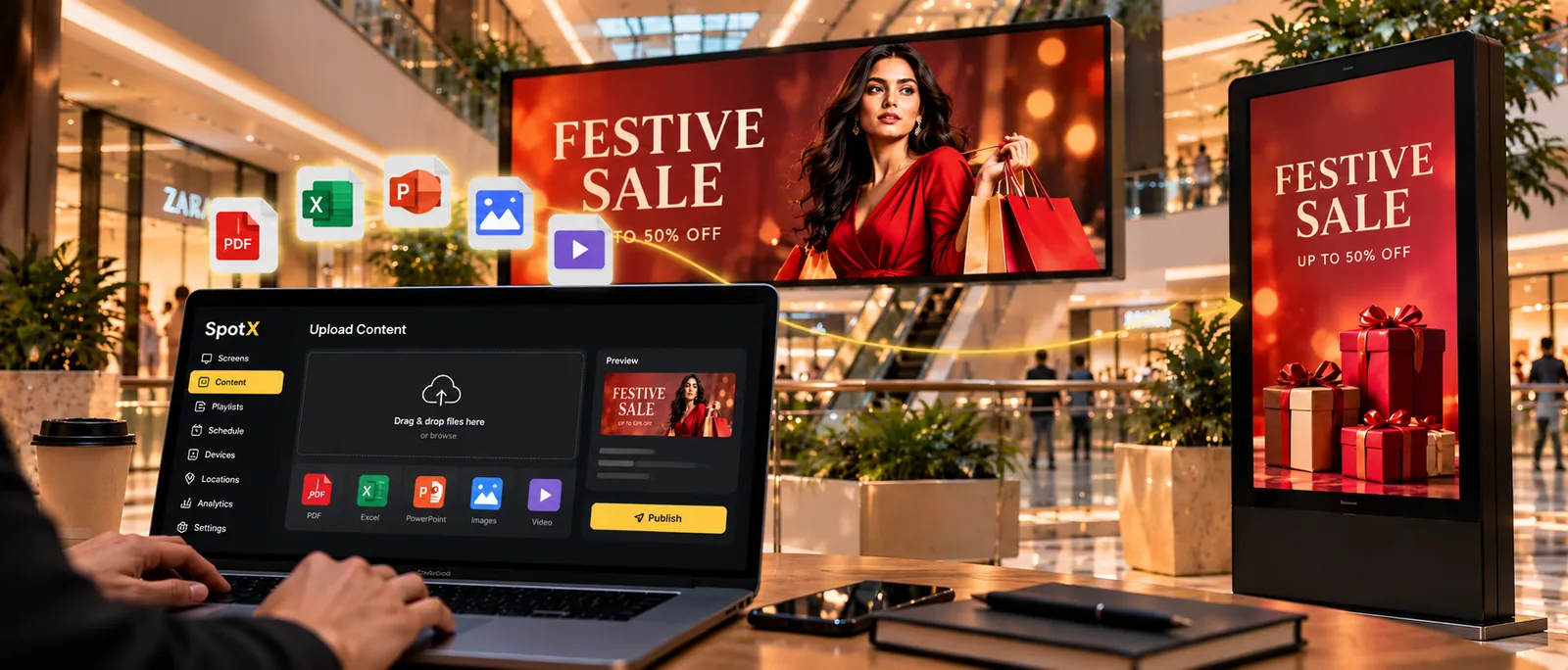
Show PowerPoint, Excel and PDF files alongside video and images, and add live apps such as YouTube, web pages, weather, clocks and news.

  • PowerPoint, Excel, PDF
  • YouTube & web pages
  • Weather, clock & news
  • QR codes
See all apps
Uploading PDF, Excel, PowerPoint, image and video files in SpotX to mall screens
Network monitoring

Spot problems before customers do

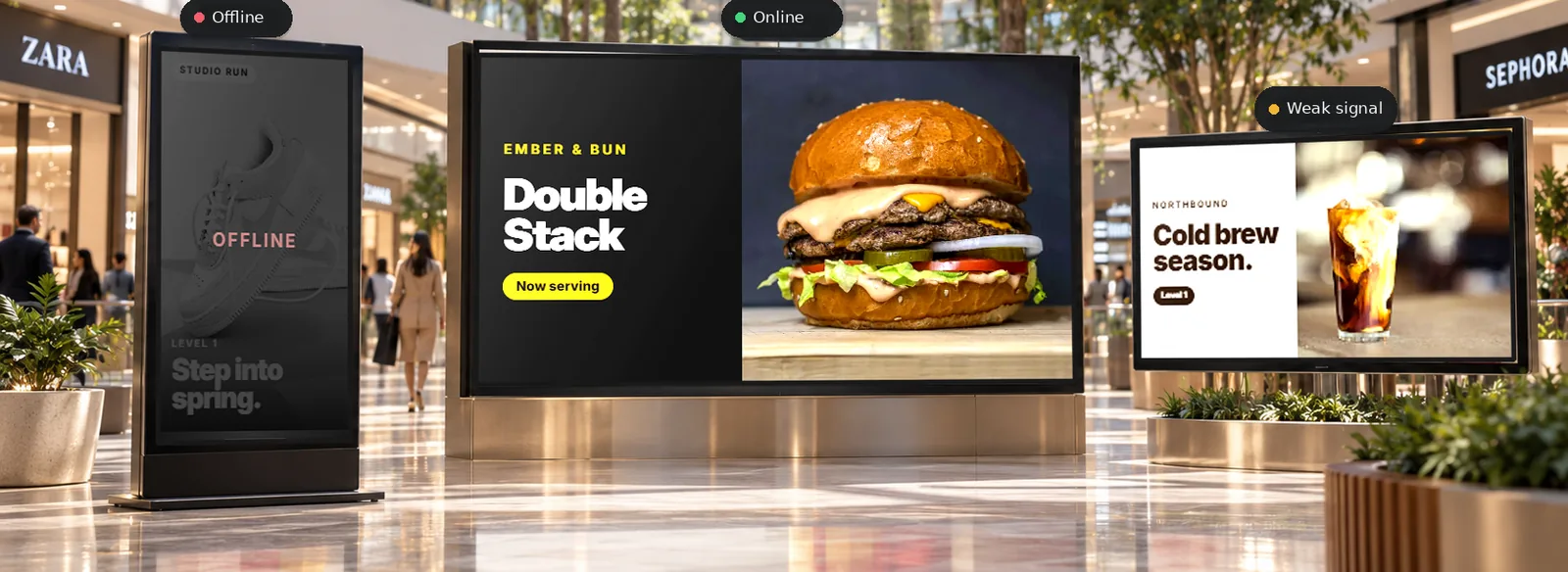
See which screens are online, which need attention and where they are, across every location.

  • Status for every screen
  • Attention flags
  • Filter by group or location
  • Alerts when a screen needs attention
Mall screens with an offline totem and a weak-signal display flagged by SpotX
Reporting & proof-of-play

Know what actually played

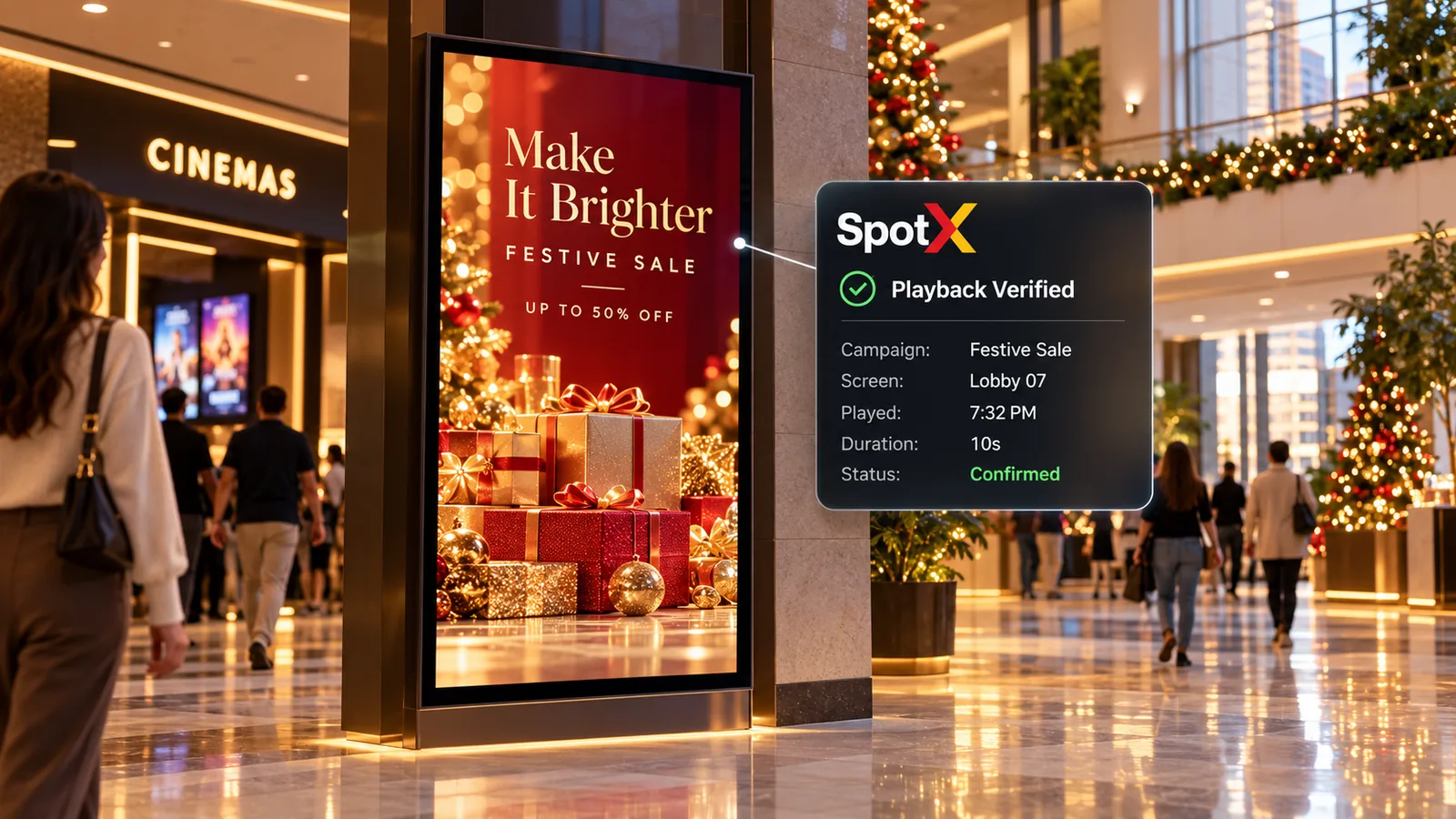
Playback records show what ran, on which screen and when, so you can prove delivery to your team, your brands and your advertisers.

  • Playback logs
  • Campaign delivery reports
  • Exportable reports for clients
Festive sale ad on a mall totem with a SpotX playback-verified confirmation
Teams & roles

The right access for every team

Invite colleagues and agencies, and decide who can upload, approve and publish, and for which screens.

  • User roles & permissions
  • Location-based access
  • Approval before publishing
Enterprise controls
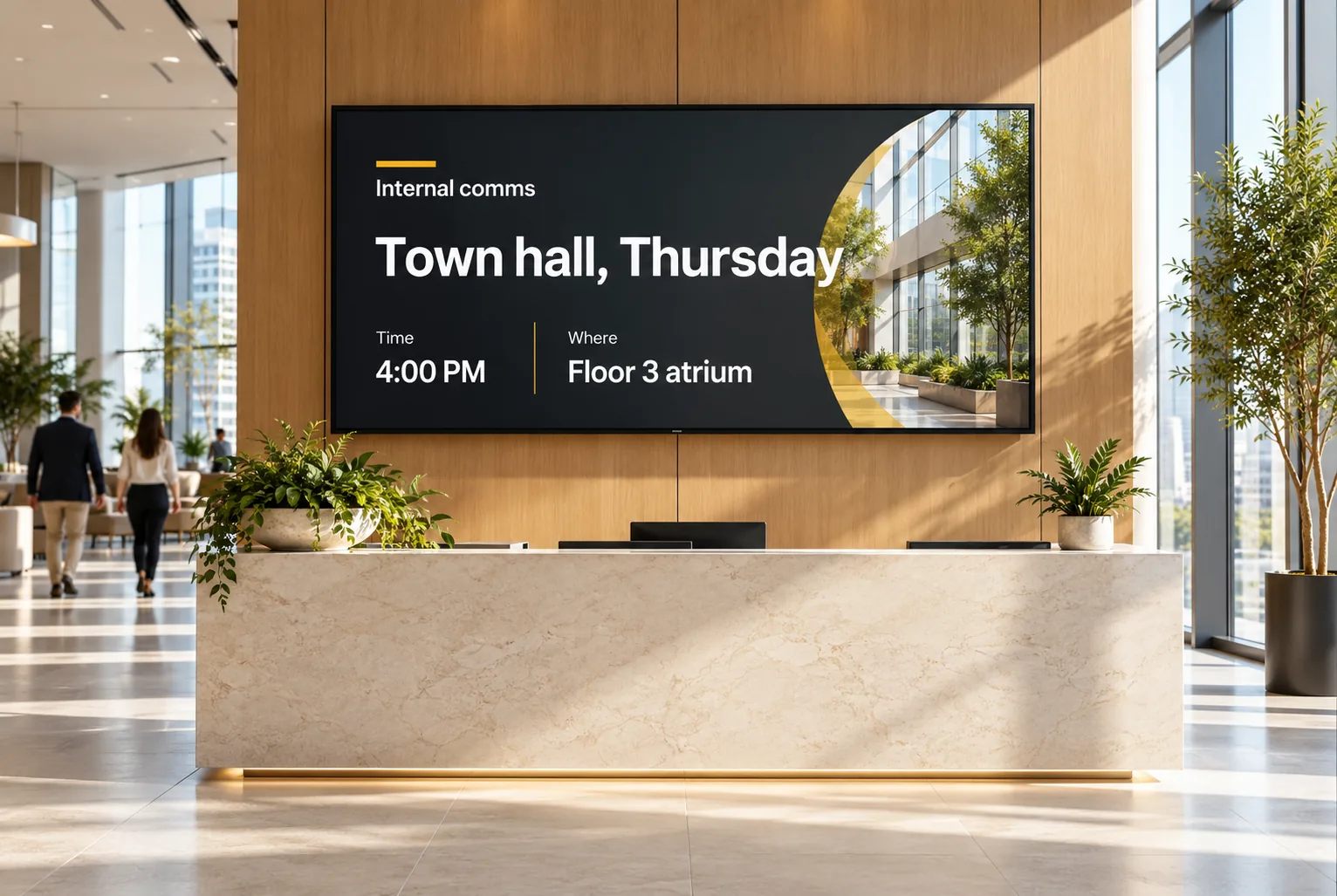
Office reception wall screen announcing a town hall
SpotX Intelligence

AI built into the workflow

Generate layouts from a sentence, get scheduling suggestions, catch screens at risk and read performance at a glance.

  • AI content studio
  • Smart scheduling
  • Screen health
  • Insights
Explore SpotX Intelligence
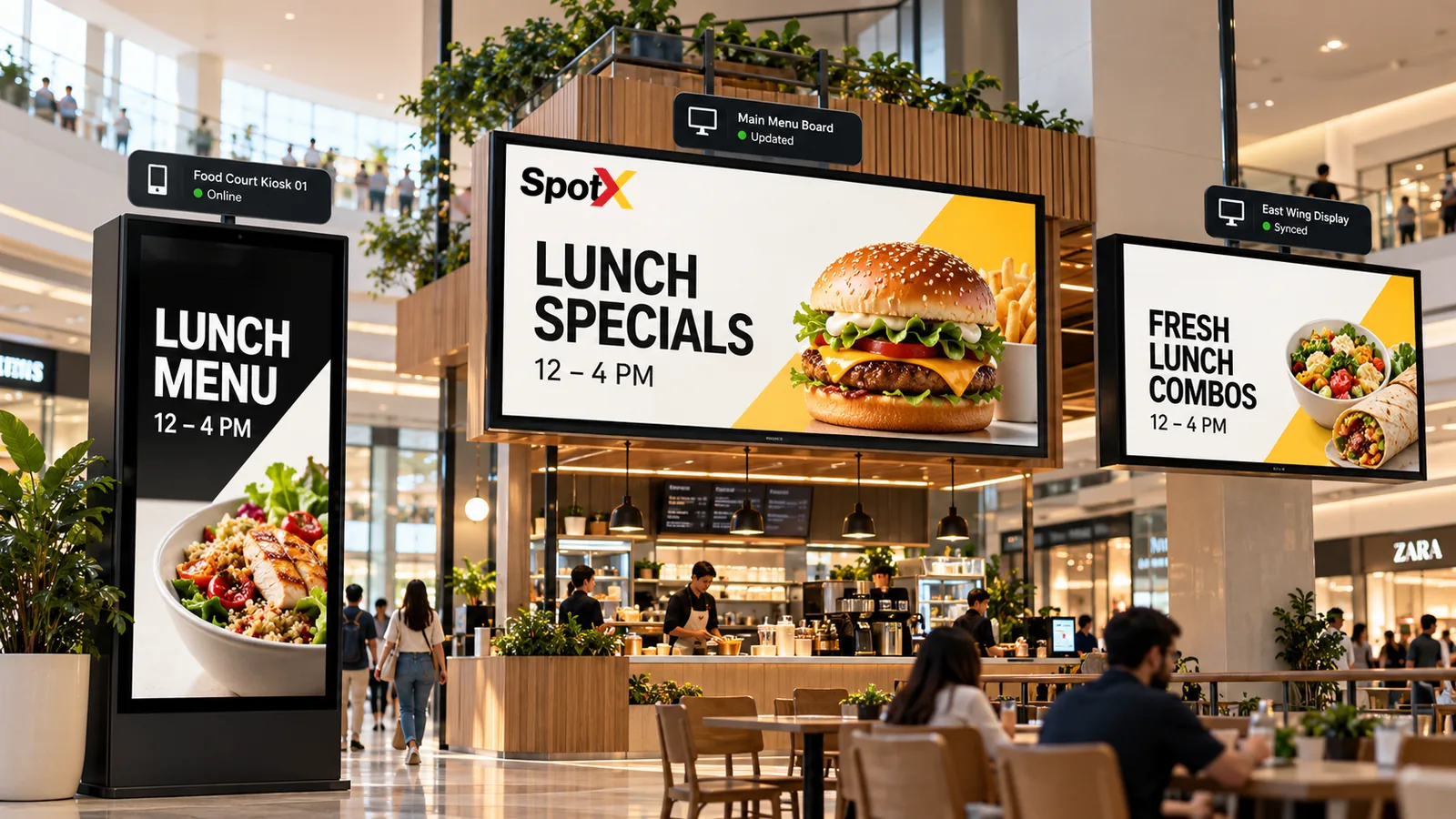
Food court lunch menus updated across a kiosk, menu board and wall display

Your screens can do more.

Start a free trial on your own screens, or book a live demo with our team.