 See it liveWatch SpotX update every screen in seconds
 SolutionsDigital signage for every industry
 Free trialTry SpotX on your own screens
Corporate digital signage for internal communication
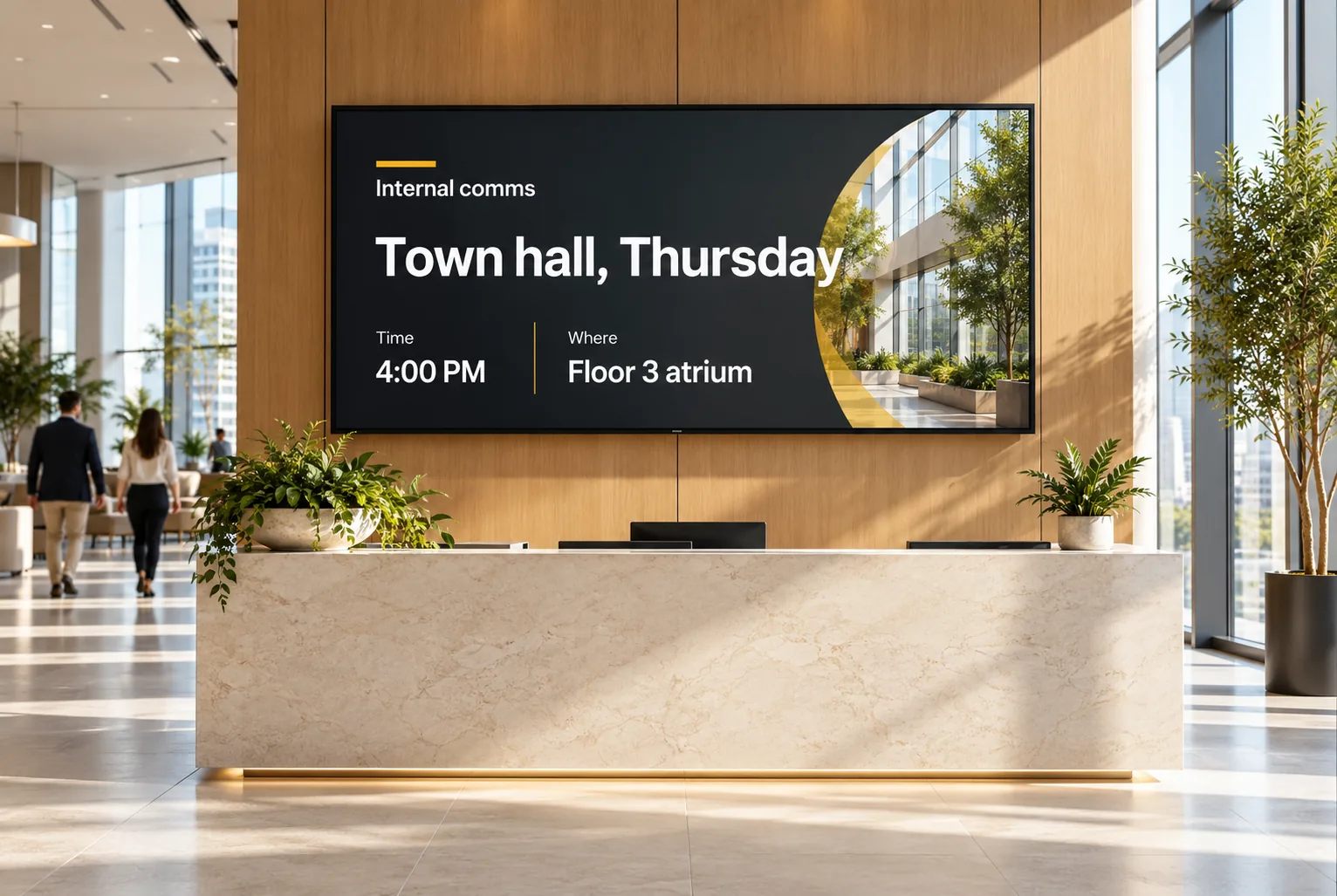
Put announcements, events, KPIs and welcome messages on office screens, scheduled by floor, site or team.
01The challenge
What gets in the way
Emails get ignored
Important updates get lost in crowded inboxes.
Screens show old slides
Office TVs loop outdated presentations.
Many sites, no standard
Each office runs its screens differently.
02How SpotX helps
How SpotX helps
Messages people actually see
Schedule announcements, events and milestones to the floors and offices that need them.
- Floor and site targeting
- Event countdowns
- Visitor welcome screens

Reuse PowerPoint, Excel and PDF
Put the presentations, reports and documents you already have on screen, alongside weather, clocks and news.
- PowerPoint, Excel, PDF
- Web dashboards
- News tickers

One dashboard for every office
Manage screens across offices and cities, with local teams controlling their own screens.
- Groups by office
- Team roles
- Status for every screen

03Popular screens
Popular screens in this industry
Can I show PowerPoint presentations on office TVs?
Yes. Upload PowerPoint, Excel and PDF files and schedule them like any other content.
Can each office manage its own screens?
Yes. Give local teams access to their own screens while head office keeps company-wide control. Roles cover administrators, operators, clients and business teams, with access set by department, location and screen.
Can we show dashboards?
Yes. Show web dashboards and live data alongside announcements.
See SpotX for Corporate.
Start a free trial on your own screens, or book a demo tailored to your business.