 See it liveWatch SpotX update every screen in seconds
 SolutionsDigital signage for every industry
 Free trialTry SpotX on your own screens
SpotX Player
Preconfigured player that ships ready to pair. The simplest way to start.
- Best for
- Any screen with HDMI
- Setup
- Plug in, connect, pair
- Specs
- 4 GB RAM · 32 GB storage
Every screen needs a player. Choose the preconfigured SpotX Player, or run SpotX on Android devices and Samsung Tizen or LG webOS displays you already own.
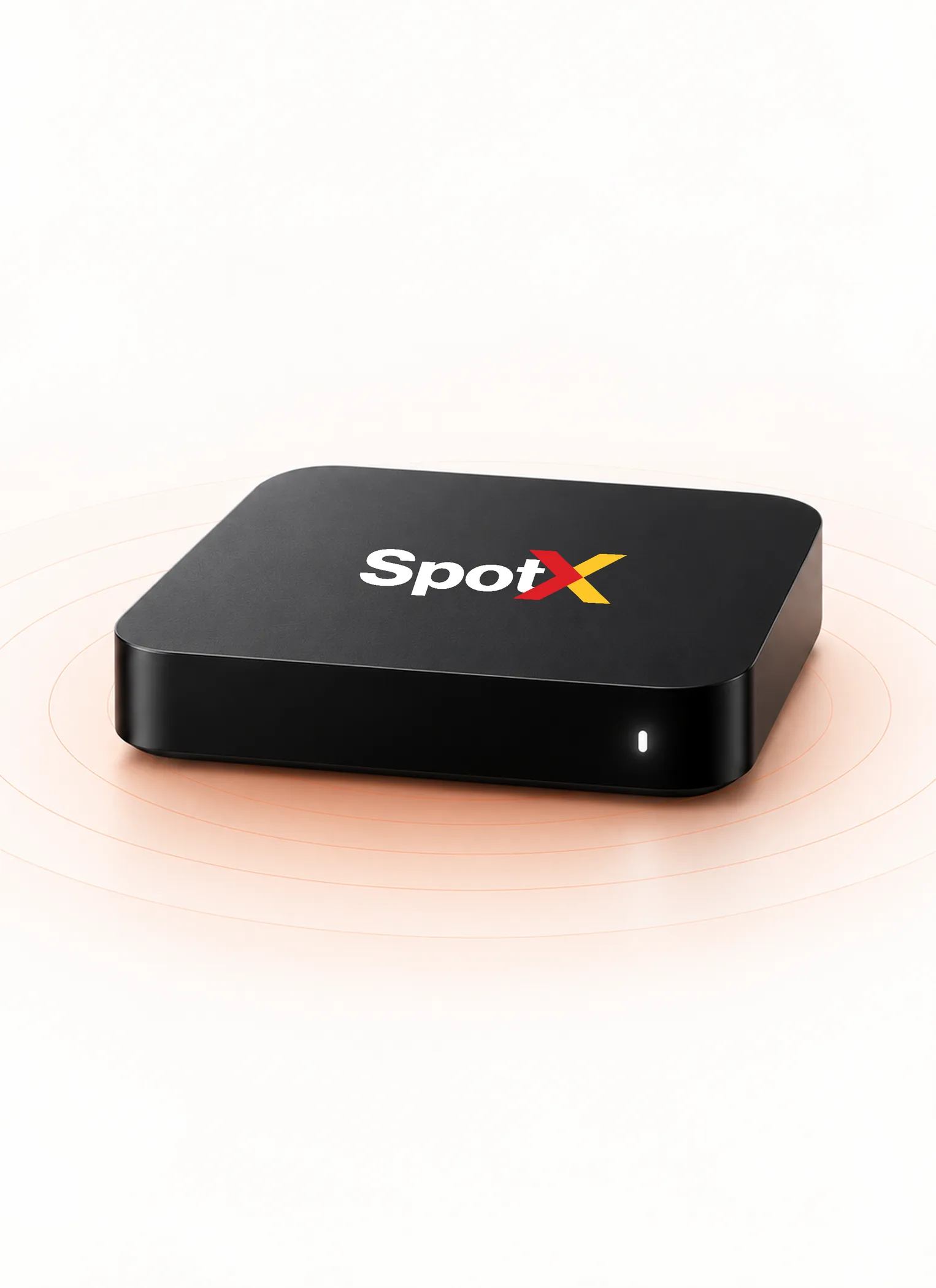
01SpotX Player
A small player that arrives preconfigured for SpotX, so any screen with HDMI is ready in minutes.
Ships with SpotX installed. No setup software, no technical skills needed.
See status and update content from the dashboard, wherever the screen is.
4 GB RAM, 32 GB storage and a microSD slot. HDMI, 2 USB, LAN, IR and audio/video ports. 1-year warranty.
₹4,999 + GST, one-time. Sold separately from SpotX plans.
02Supported devices
Preconfigured player that ships ready to pair. The simplest way to start.
Turn any HDMI screen into a smart sign with a compatible Android player.
Run SpotX directly on Android-powered TVs and displays, with no extra box.
Use Samsung smart signage displays without an external player.
Use LG webOS signage displays without an external player.
03Setup
Plug the player into HDMI and power, or open the SpotX app on your display.
Connect to Wi-Fi or Ethernet.
Enter the pairing code shown on screen in your SpotX dashboard.
Assign a playlist or template, and the screen starts playing.
Yes. Each screen runs one player, and one SpotX account manages all of them.
Yes. Add an Android box or stick to any HDMI TV, or use the SpotX Player. Samsung Tizen and LG webOS displays can run SpotX without an external player.
No. The SpotX Player is sold separately, at ₹4,999 + GST, one-time.
At least 5 Mbps per screen. If the connection drops: screens keep playing. Playlists and loops carry on as scheduled, and analytics are stored on the device until it reconnects. While a screen is offline you can’t change it from the dashboard, and live widgets that need the internet pause.
Tell us about your screens and we’ll recommend the right setup.